
Photo by bert_m_b via flickr (BY)
Maintaining high availability and optimal performance is paramount in the cloud hosting and web performance landscape. Yet, the reality of infrastructure management necessitates periodic interventions. The challenge lies in performing these crucial updates, patches, and upgrades without disrupting the user experience or, worse, causing unexpected downtime. "Maintenance Windows Without Surprising Users" isn't merely about scheduling; it's a comprehensive strategy for transparent communication, meticulous planning, and robust execution that safeguards user trust and business continuity.
Key Takeaways
- Proactive Communication is Paramount: Inform users well in advance, clearly stating the purpose, expected duration, and potential impact of maintenance.
- Strategic Scheduling Minimizes Impact: Identify and leverage periods of lowest user activity to conduct maintenance.
- Layered Redundancy and Blue/Green Deployments: Utilize modern cloud architectures to maintain service availability even during updates.
- Comprehensive Testing is Non-Negotiable: Validate all changes in a staging environment before pushing to production.
- Rollback Plans Provide a Safety Net: Always have a clear, tested procedure to revert changes if issues arise.
- Post-Maintenance Monitoring and Communication: Verify successful completion and inform users once services are fully restored.
The Imperative of Planned Interventions
In the dynamic world of cloud hosting, the underlying infrastructure, whether it's virtual machines, databases, or networking components, requires continuous care. Security vulnerabilities emerge, software updates are released, hardware components age, and performance optimizations become necessary. Ignoring these needs leads to degraded performance, security breaches, or catastrophic failures. Therefore, planned maintenance windows are not a luxury but a necessity for the long-term health and stability of any web service.
However, the "surprise" factor is the enemy of user satisfaction. An unexpected outage, a sudden slowdown, or a cryptic error message during a user's critical interaction can erode trust, damage brand reputation, and lead to direct financial losses. For businesses relying on their online presence, every minute of unexpected downtime can translate to lost sales, frustrated customers, and a competitive disadvantage. The goal, then, is to transform these essential technical operations from disruptive events into seamlessly managed, predictable intervals that users are aware of and, ideally, minimally impacted by.
This approach is critical for anyone managing web applications, e-commerce platforms, SaaS solutions, or any service hosted in the cloud. From small startups leveraging public cloud providers to large enterprises operating hybrid cloud environments, the principles of managing maintenance windows without surprising users apply universally. For those focused on web performance, understanding how to perform these updates without negatively impacting metrics like Time to First Byte (TTFB), Largest Contentful Paint (LCP), or Cumulative Layout Shift (CLS) is equally vital (Google PageSpeed Insights: https://pagespeed.web.dev/, Google Web.dev Performance Guide: https://web.dev/performance/).
Crafting a Strategy: Beyond the Scheduled Downtime
The concept of a "maintenance window" often conjures images of complete service unavailability. While this might be unavoidable for some legacy systems or specific, deeply intrusive operations, modern cloud architectures and best practices offer sophisticated alternatives. The strategy revolves around minimizing actual downtime, and where downtime is unavoidable, ensuring it's communicated effectively and occurs during periods of lowest impact.
1. Proactive and Multi-Channel Communication
This is the cornerstone of avoiding user surprise. Communication should begin long before the maintenance event.
- Early Notification: Send initial alerts weeks or days in advance, outlining the nature of the maintenance (e.g., "scheduled database upgrade," "network infrastructure update"), the expected date and time, and the potential impact (e.g., "brief service interruption," "degraded performance," "no expected impact").
- Repeated Reminders: As the maintenance window approaches, send follow-up reminders. A common pattern is a notification 48 hours prior, another 24 hours prior, and a final reminder an hour or two before commencement.
- Diverse Channels: Don't rely on a single communication method.
- Status Page: A dedicated public status page (e.g., status.yourcompany.com) is essential. During maintenance, this page becomes the single source of truth for updates, progress reports, and resolution notices. Crucially, this page should be hosted separately from your main infrastructure to remain accessible even if your primary services are down.
- Email: Direct email to registered users or subscribers is effective for detailed explanations.
- In-App Notifications/Banners: For active users, a banner within the application can provide immediate context.
- Social Media: Publicly facing services should leverage platforms like X (formerly Twitter) for quick updates and to address user queries.
- API Status Endpoints: For developers consuming your APIs, a machine-readable status endpoint is invaluable.
- Clear Language: Avoid jargon. Explain the impact in terms users understand. Instead of "database schema migration," say "we're upgrading our database for better performance, which may cause a brief interruption to data access."
2. Strategic Scheduling and Impact Minimization
Identifying the optimal time for maintenance is crucial.
- Analyze Usage Patterns: Leverage analytics data to pinpoint periods of lowest user activity. For global services, this often means early morning hours in major time zones or weekends. For business-critical applications, it might be outside of typical business hours.
- Phased Rollouts: For larger updates, consider a phased rollout. Deploy changes to a small subset of users or servers first, monitor closely, and then gradually expand. This limits the blast radius of any unforeseen issues.
- Geographic Considerations: If your service operates globally, consider regional maintenance windows to minimize overall impact. For example, updating European servers during their night, while American servers are active.
3. Architectural Approaches for Zero or Near-Zero Downtime
Modern cloud infrastructure offers powerful capabilities to largely eliminate traditional "downtime."
- Redundancy and High Availability: Deploy services across multiple availability zones or regions, so if one component or zone undergoes maintenance, traffic can be rerouted seamlessly to others (AWS Cloud Hosting Overview: https://aws.amazon.com/what-is/cloud-hosting/). This requires robust load balancing and failover mechanisms.
- Blue/Green Deployments: This highly effective strategy involves running two identical production environments, "Blue" (the current version) and "Green" (the new version). When a new release or maintenance is due, it's deployed to the "Green" environment. Once thoroughly tested in "Green," traffic is gradually shifted from "Blue" to "Green" via a load balancer. If any issues arise, traffic can be instantly routed back to the stable "Blue" environment. This minimizes downtime and provides an immediate rollback mechanism.
- Canary Deployments: Similar to blue/green, but traffic is shifted in much smaller increments. A small percentage of users (the "canaries") are routed to the new version first. If successful, more traffic is gradually shifted.
- Database Replication and Hot Standbys: For database maintenance, utilize replication to a secondary instance. Perform updates on the secondary, promote it to primary, and then update the old primary. This requires careful management of data consistency and transaction logging.
- Content Delivery Networks (CDNs): For static assets and cached dynamic content, a CDN can serve content even if your origin server is undergoing maintenance. This maintains a level of user experience for static resources (Cloudflare CDN Learning Center: https://www.cloudflare.com/learning/cdn/what-is-a-cdn/). Pre-cache critical content extensively before a maintenance window.
4. Meticulous Planning and Execution
The success of a maintenance window hinges on thorough preparation.
- Detailed Runbook: Create a step-by-step document outlining every action, command, and verification step. Assign clear responsibilities for each task.
- Pre-Maintenance Checklist: A checklist ensures all prerequisites are met.
- Testing, Testing, Testing:
- Staging Environment: All changes must be tested in an environment that mirrors production as closely as possible. This includes functionality, performance, and security.
- Load Testing: Ensure the updated system can handle expected traffic volumes.
- Rollback Testing: Crucially, test your rollback procedure. Can you revert to the previous state quickly and cleanly if something goes wrong?
- Monitoring During Maintenance: Have real-time monitoring dashboards and alerts active during the entire window. Look for anomalies, error rates, latency spikes, and resource saturation.
- Post-Maintenance Verification: Once maintenance is complete, perform a battery of tests to confirm all services are operating as expected. This includes automated health checks, synthetic transactions, and manual spot checks.
Common Pitfalls to Avoid
Even with the best intentions, maintenance windows can go awry.
- Insufficient Communication: The single biggest mistake. Assuming users will "just know" or that a single email is enough. This leads directly to user surprise and frustration.
- Lack of a Rollback Plan: Proceeding without a clear, tested way to revert changes is akin to flying without a parachute. When issues inevitably arise, this leads to extended downtime.
- Inadequate Testing: Deploying untested changes to production is a recipe for disaster. This includes not testing the entire change, including integrations and dependencies.
- "Invisible" Maintenance: Performing significant changes without any communication, hoping users won't notice. This can backfire spectacularly if an issue arises, as users will be completely blindsided.
- Ignoring Time Zones: Scheduling maintenance at "midnight" without considering what that means for a global user base.
- Overly Optimistic Timelines: Underestimating the time required for complex operations, leading to extensions of the maintenance window and further user frustration. Always factor in buffer time.
- Not Monitoring During Maintenance: Deploying changes and then walking away, only to discover issues hours later. Active monitoring is critical.
- Single Point of Failure in Status Page: Hosting your status page on the same infrastructure you are maintaining. If your main servers go down, so does your status page, rendering it useless.
Maintenance Window Checklist
This checklist helps ensure a smooth maintenance operation without surprising users.
| Category | Item | Status | Notes |
| Communication | Initial notice about maintenance window
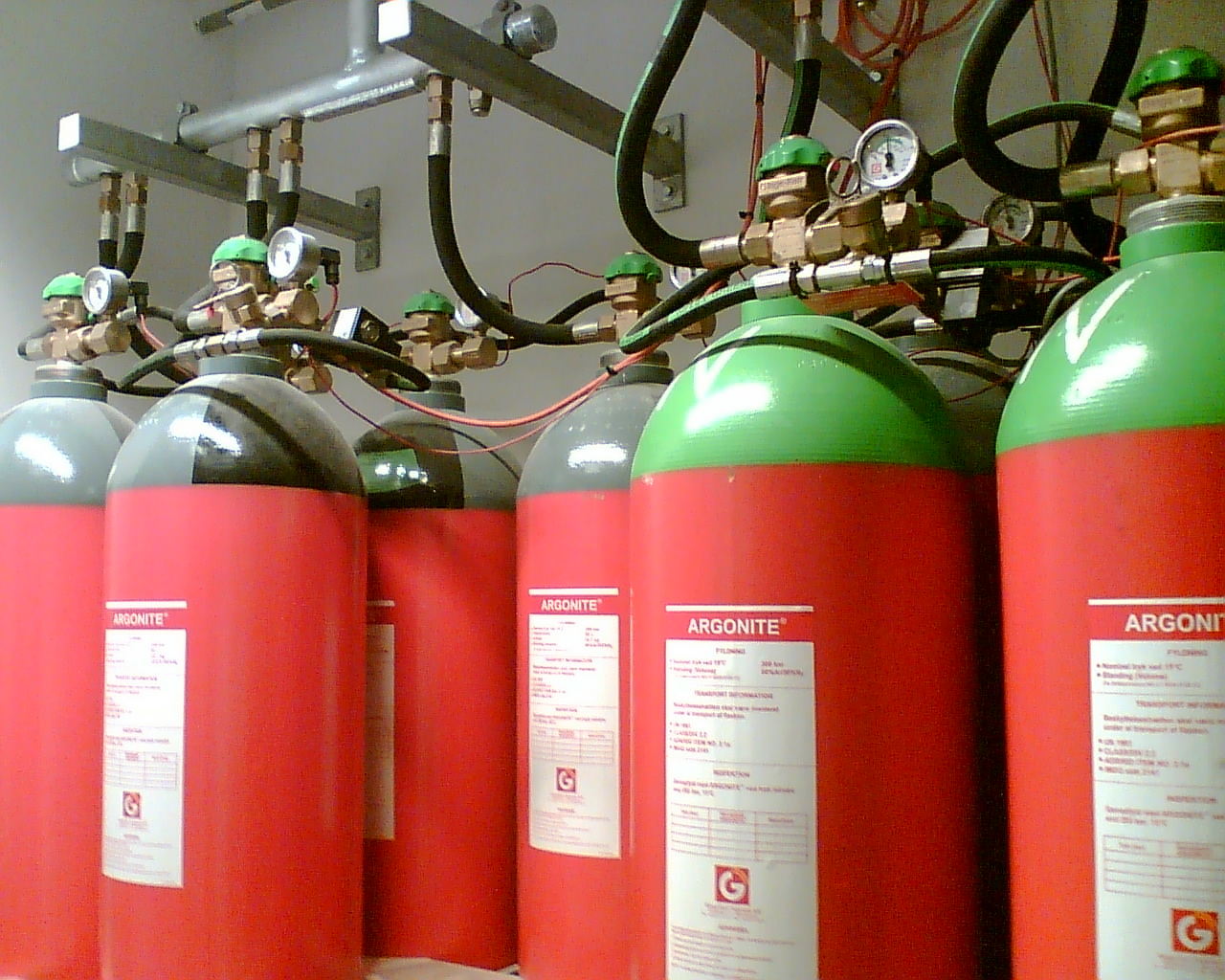
Photo by Froztbyte via wikimedia (BY-SA)
Referenced Sources
- Cloudflare CDN Learning Center — Cloudflare
- PageSpeed Insights Documentation — Google
- Web.dev Performance Guide — Google
- AWS Cloud Hosting Overview — AWS


